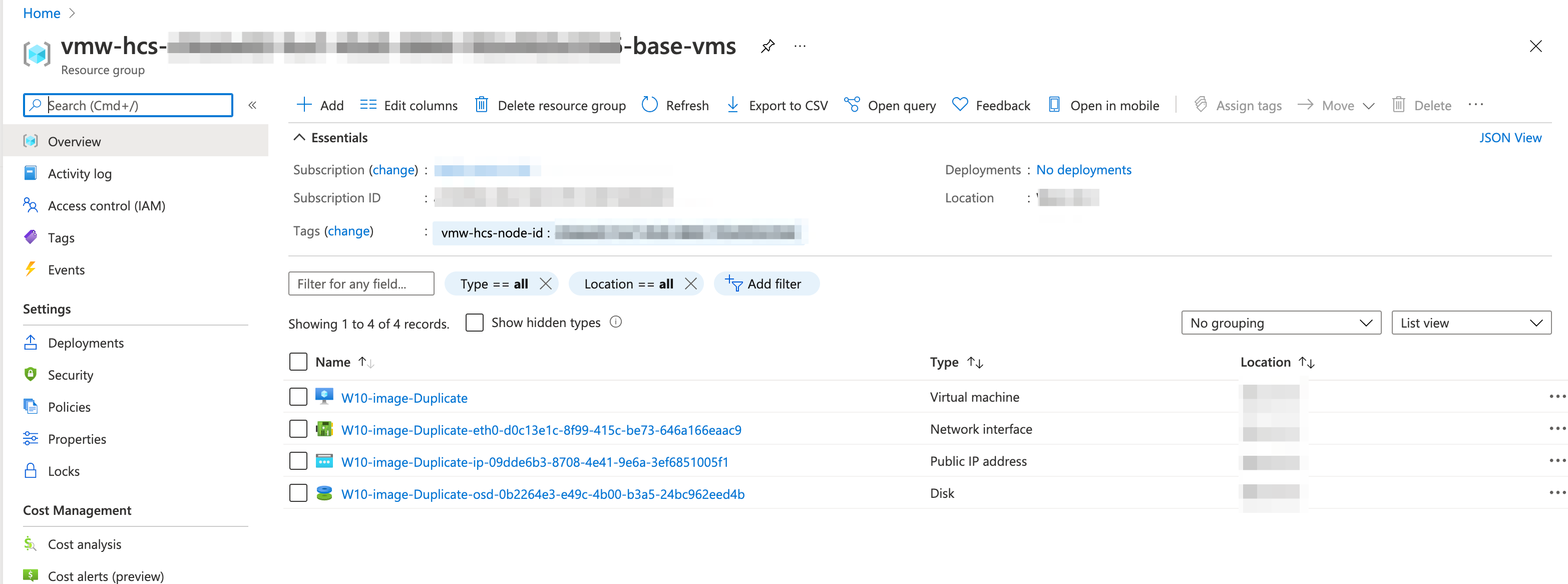
Azure portal have an option to move VM’s between the Resource groups
Here is the step-by-step guide
- Login to Azure Portal
- Click on Resource Groups from Left side blade
- Select the Resource Group where your VM located
- Select the VM resources that needs to be moved
Click on Move –> Move to another resource group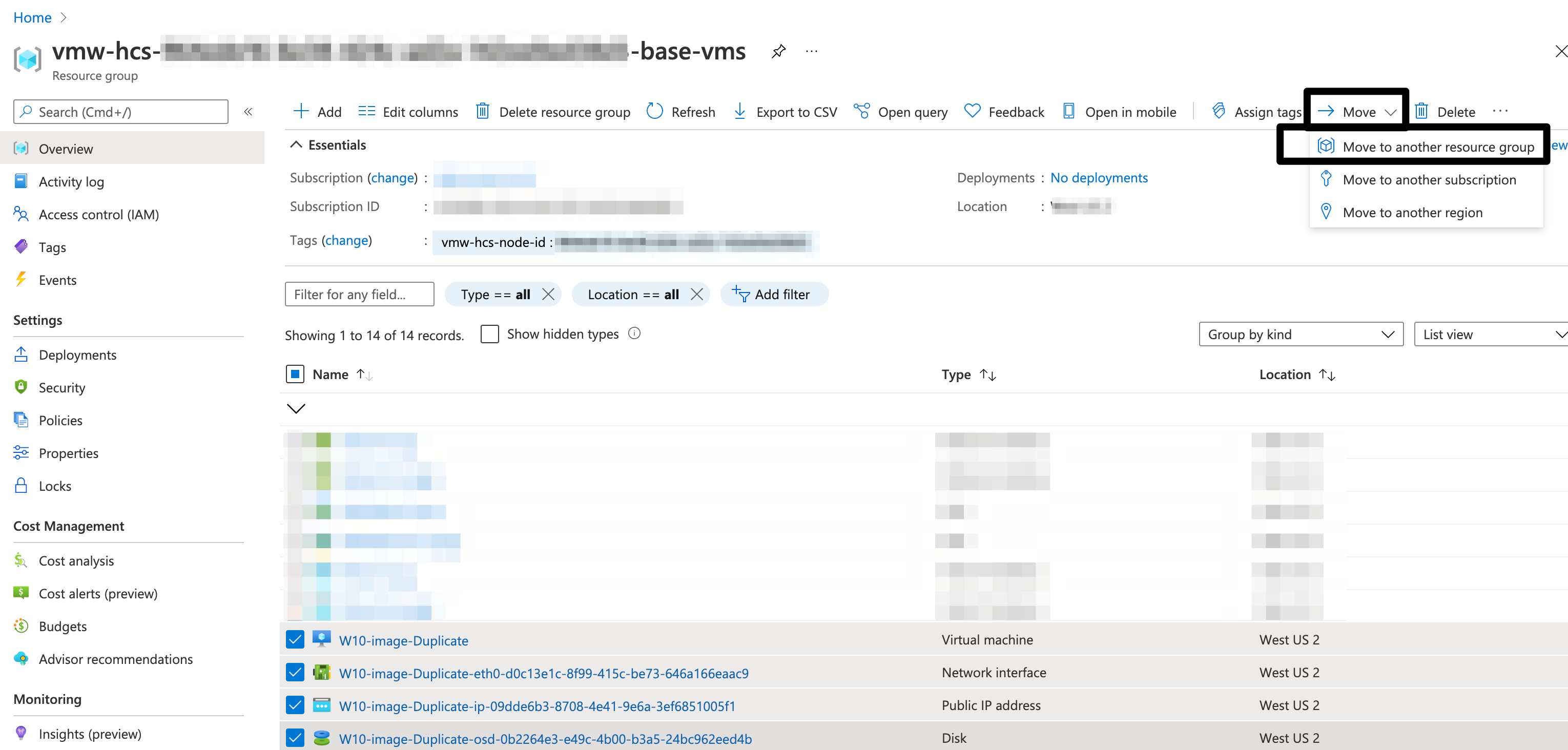
- Select the target Resource group
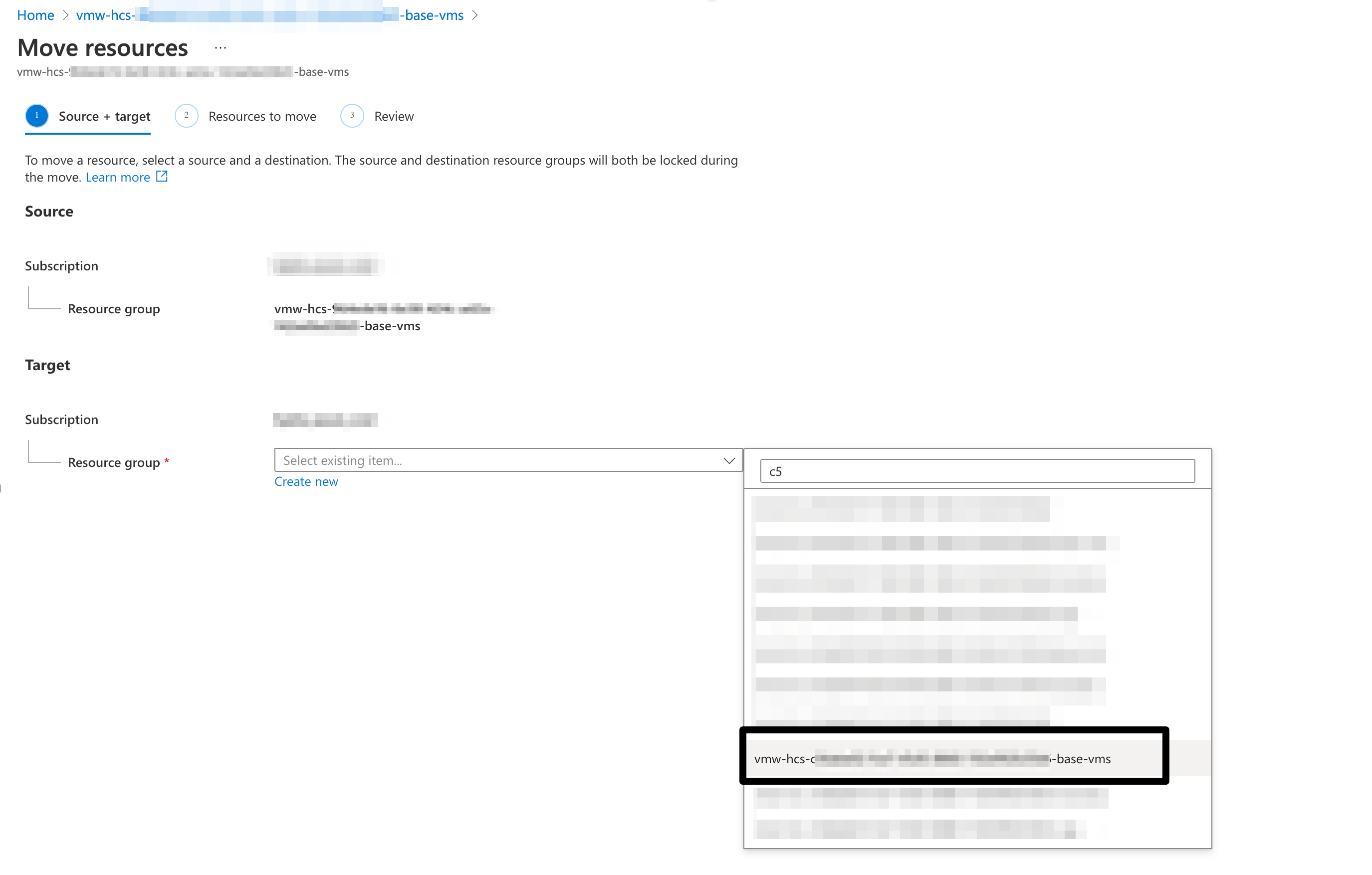
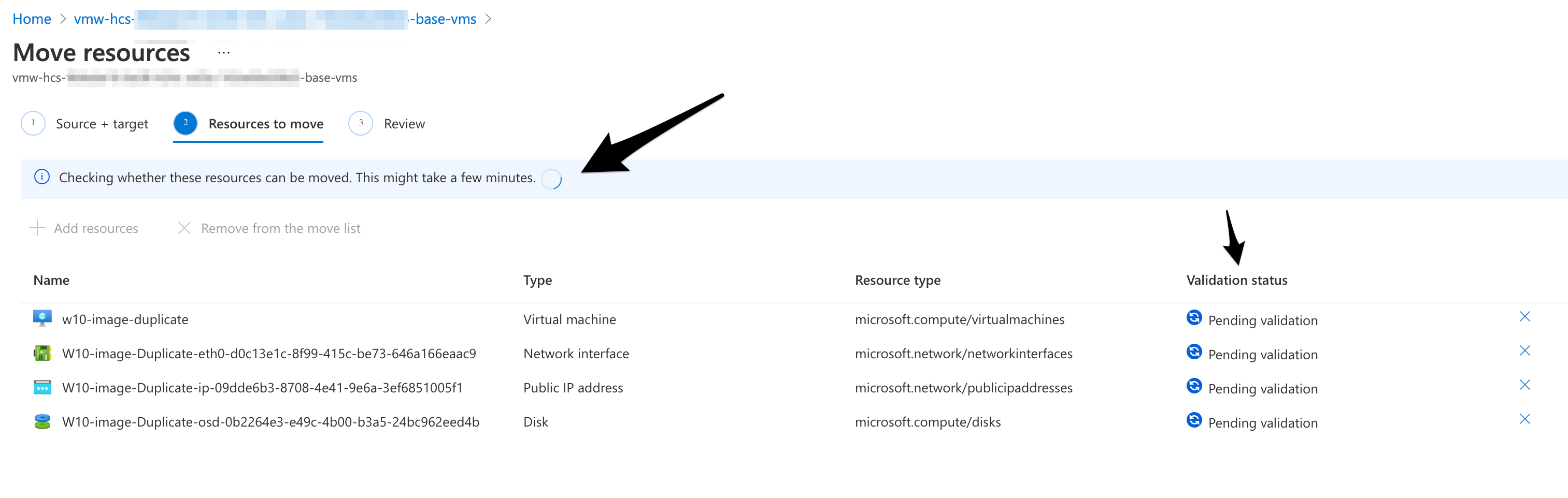
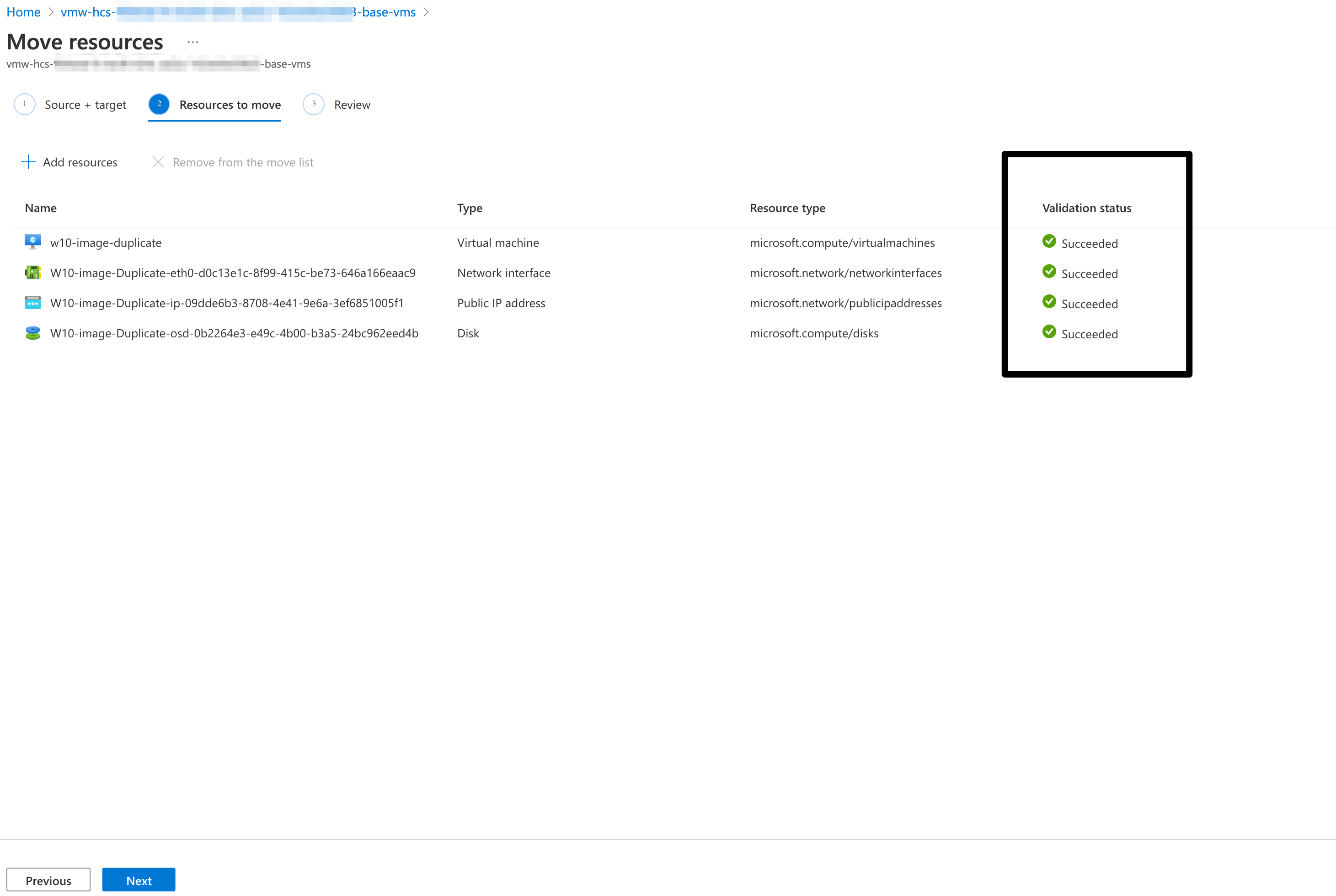
- Wait till validation succeeds
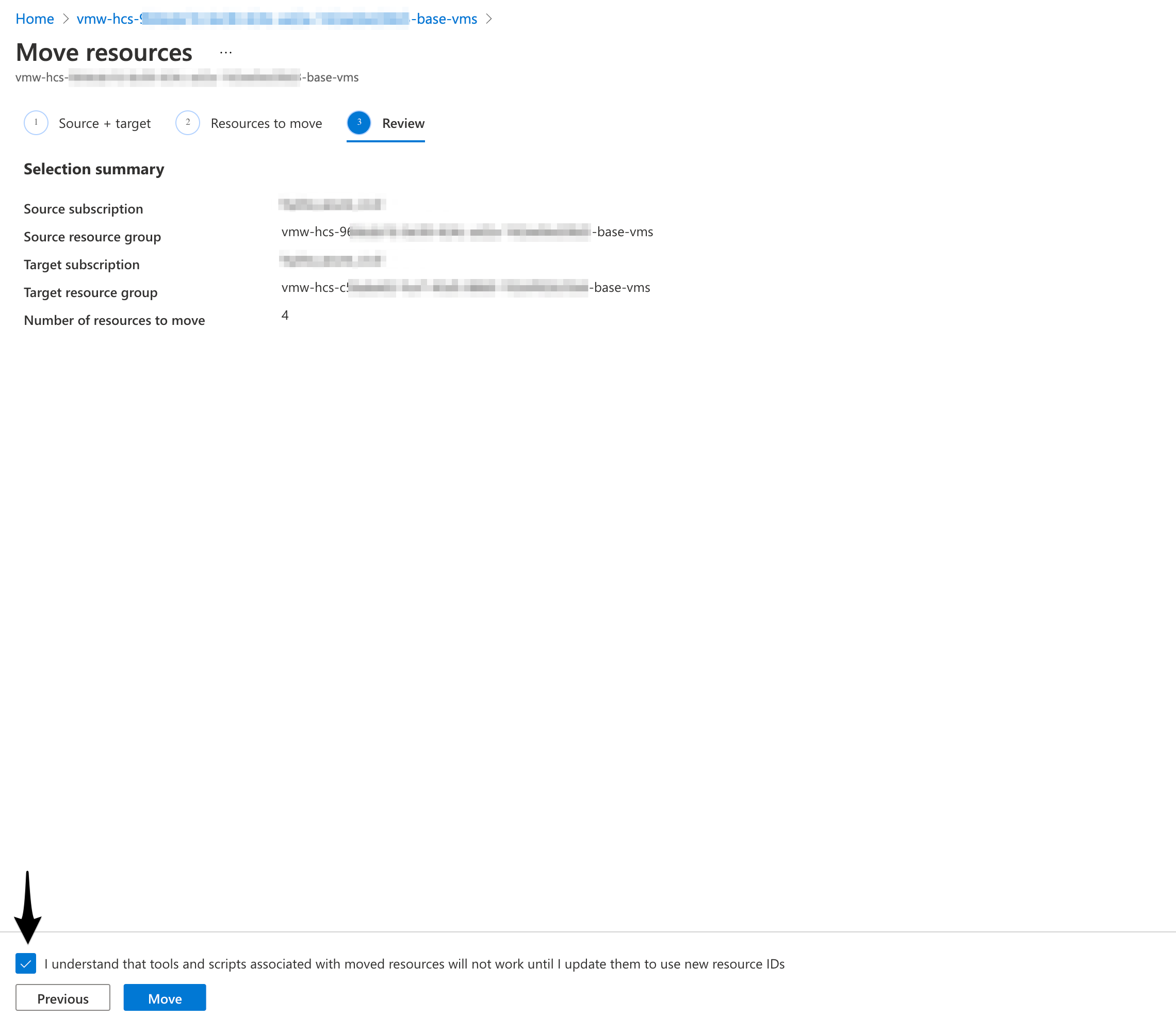
- In Review page, select ‘ I understand that tools…… ‘ And Move
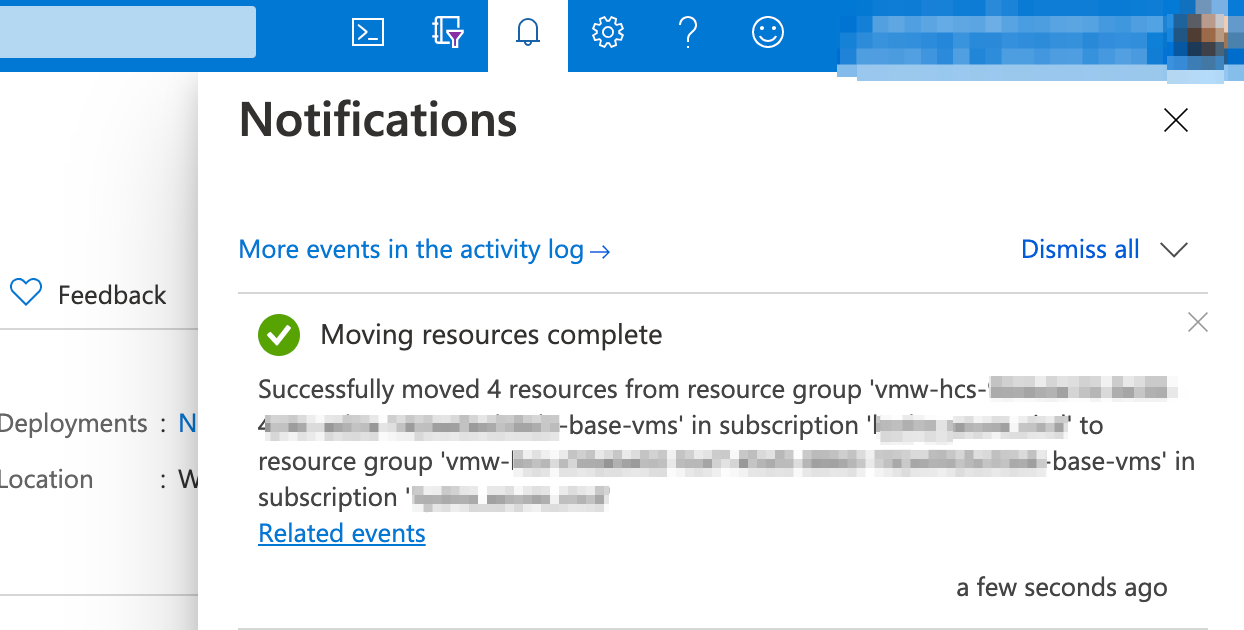
- Wait till Move is complete
- Now the VM in New subscription