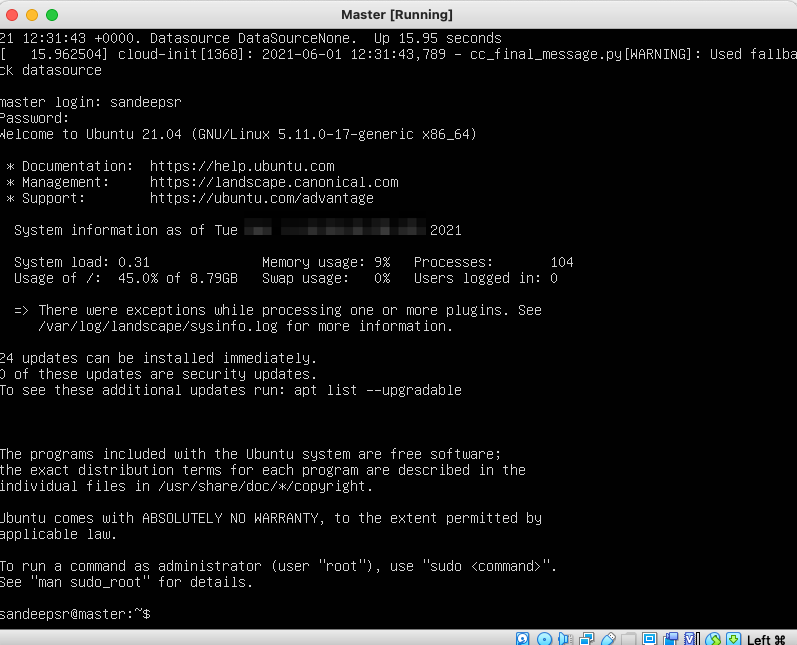
Step-by-Step guide to install Ubuntu – 21.04 in VirtualBox
- Download Ubuntu ISO from here
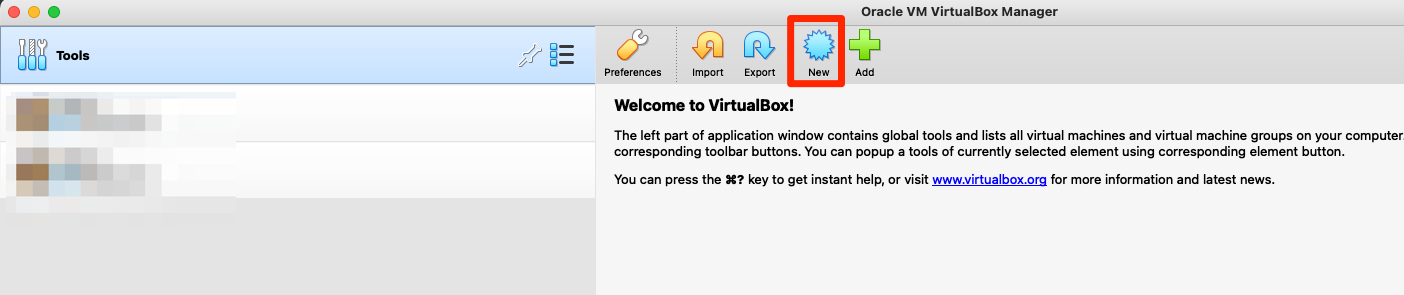
- Launch VirtualBox and Click on New
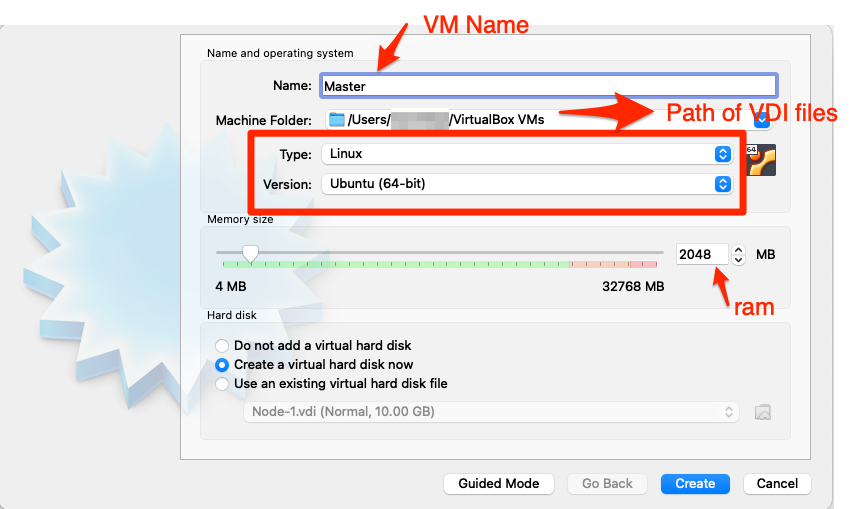
- Provide a name to the VM and type of Operating system as well flavour, Click on Create
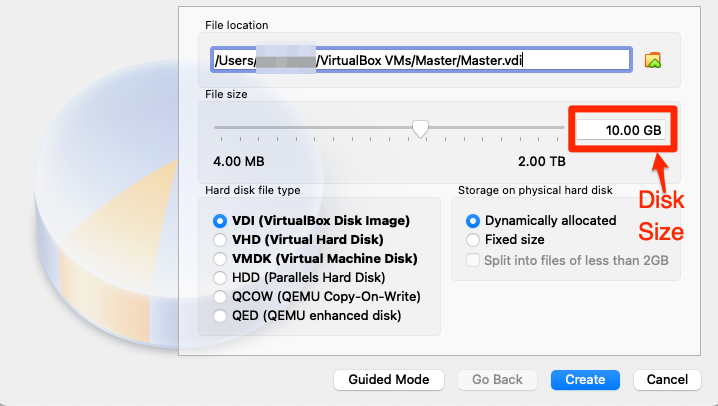
- Adjust the VDI disk size as required and click on Create
- Increase the Processor count if required &&
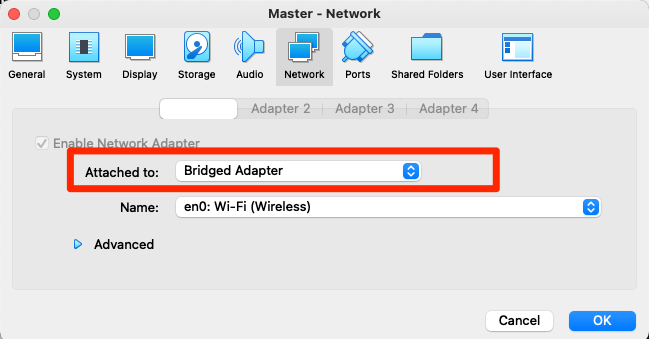
for this installation I have selected Bridge networking since would like to use Internet from my home router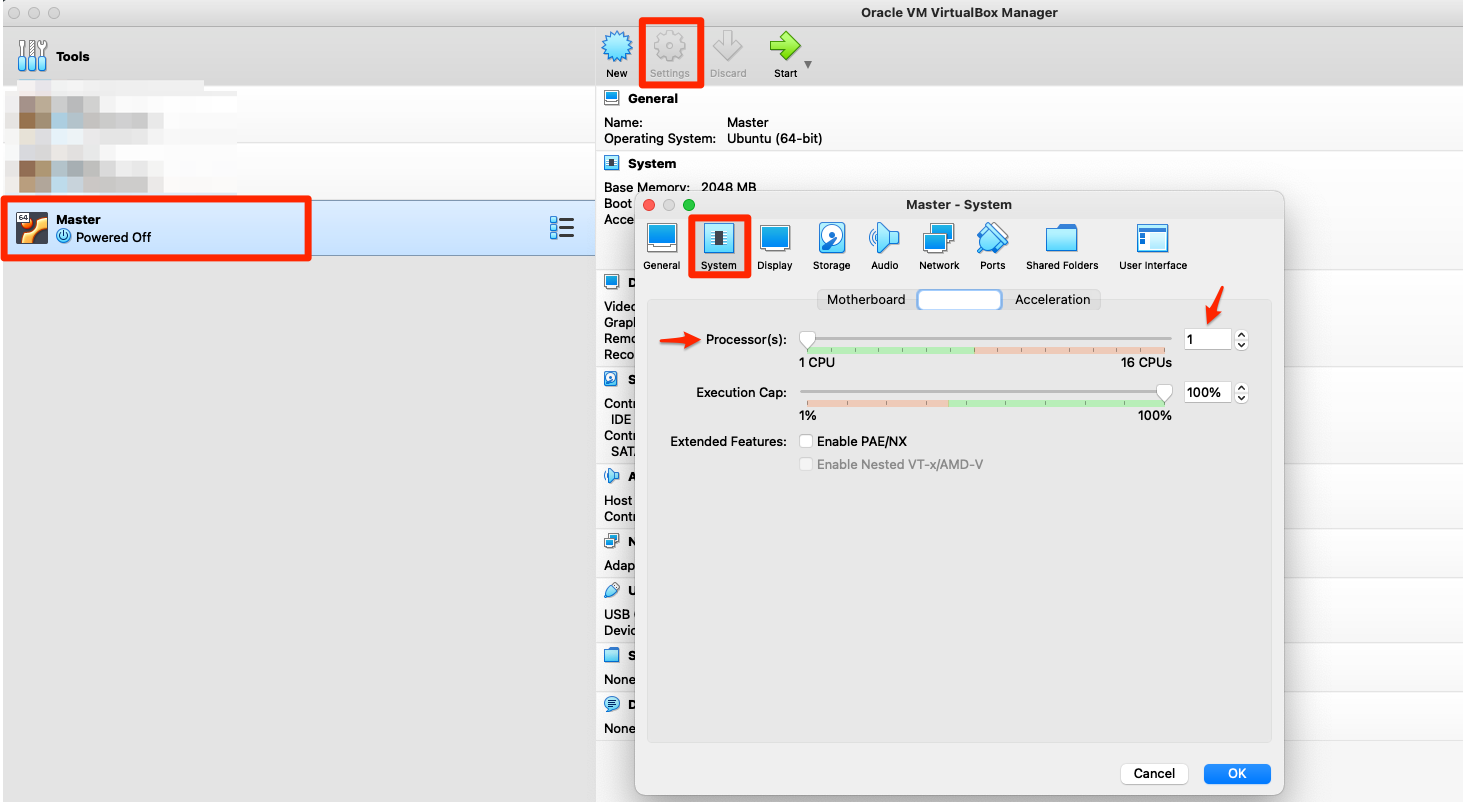
- Now, add the ISO downloaded
Select the VM –> Settings and screenshots follows
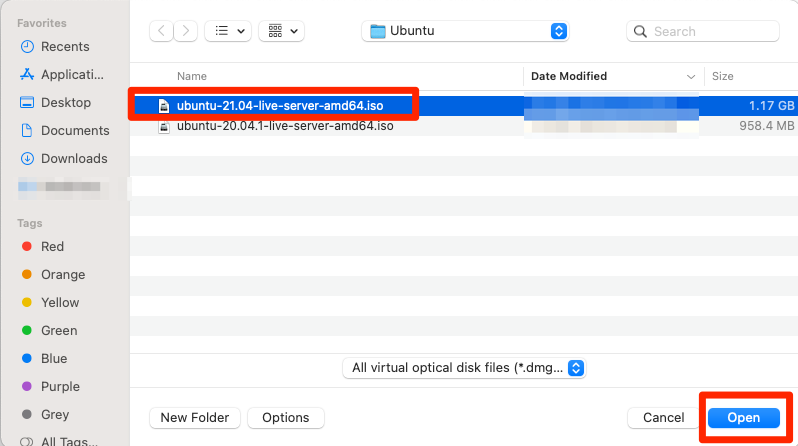
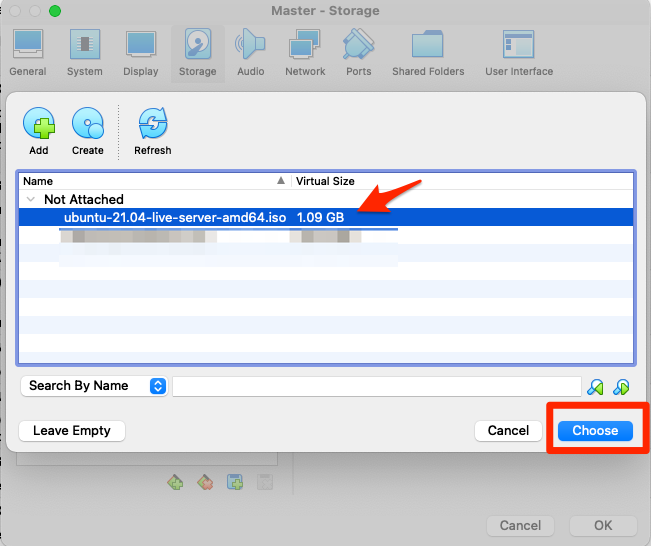
- Start the VM by choosing the image
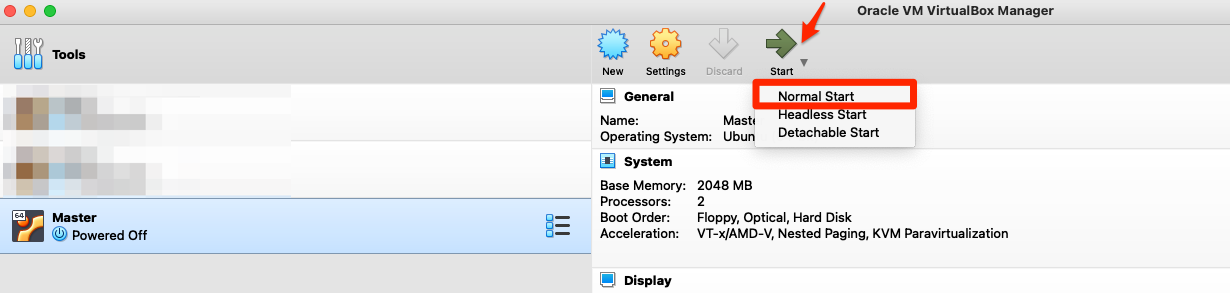
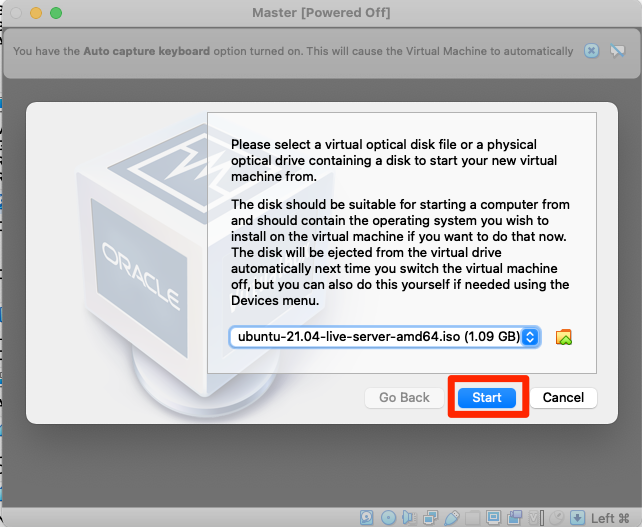
- Once you click on start, ubuntu installation kicks in
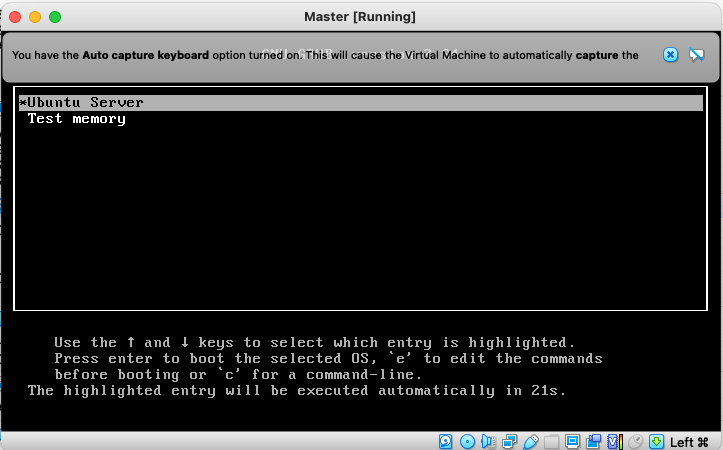
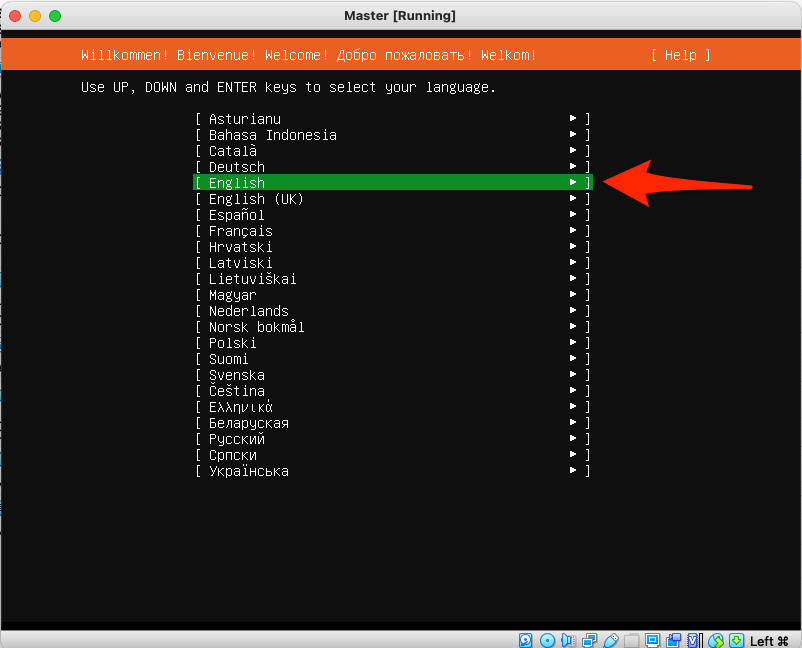
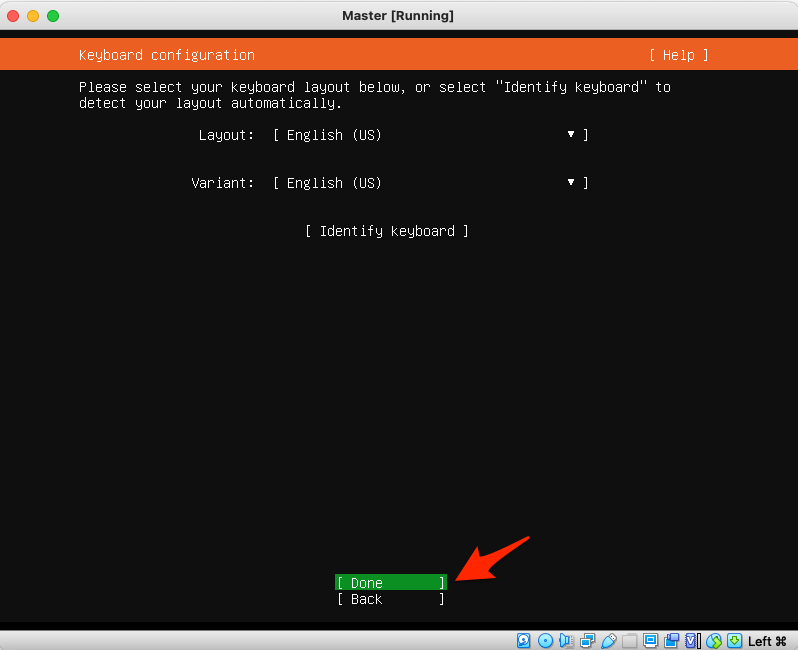
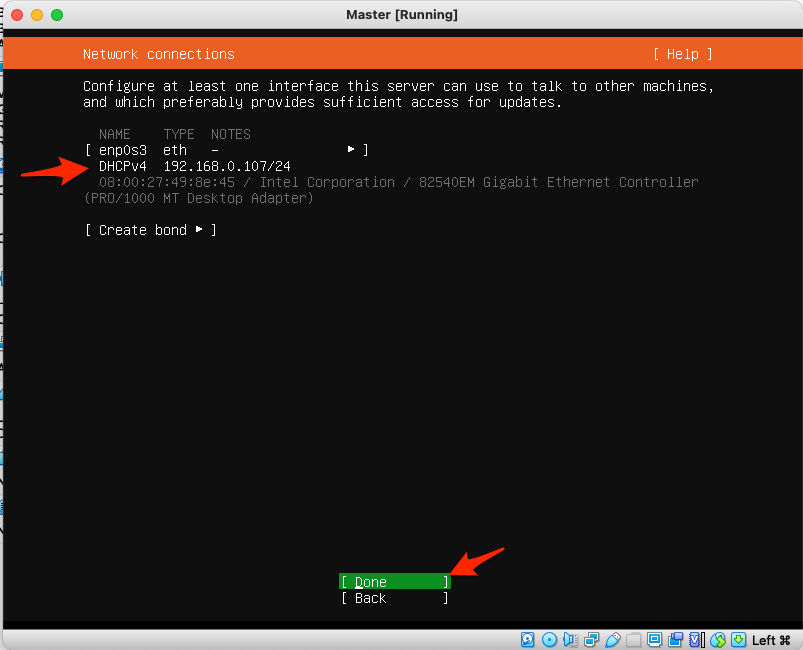
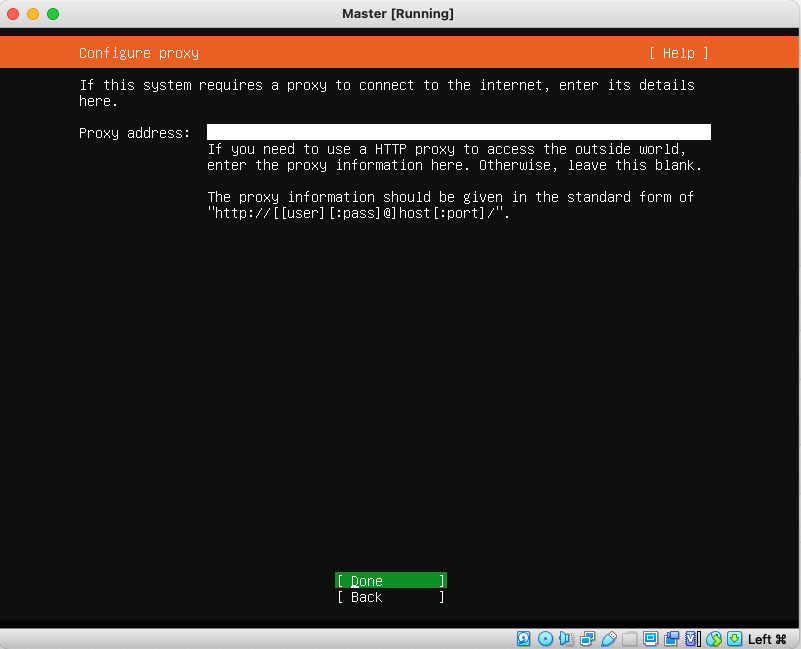
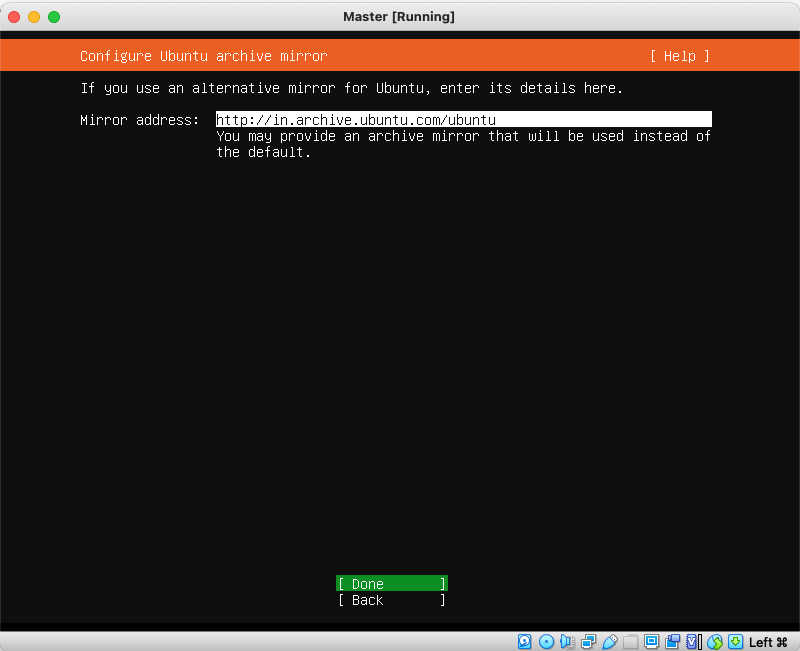
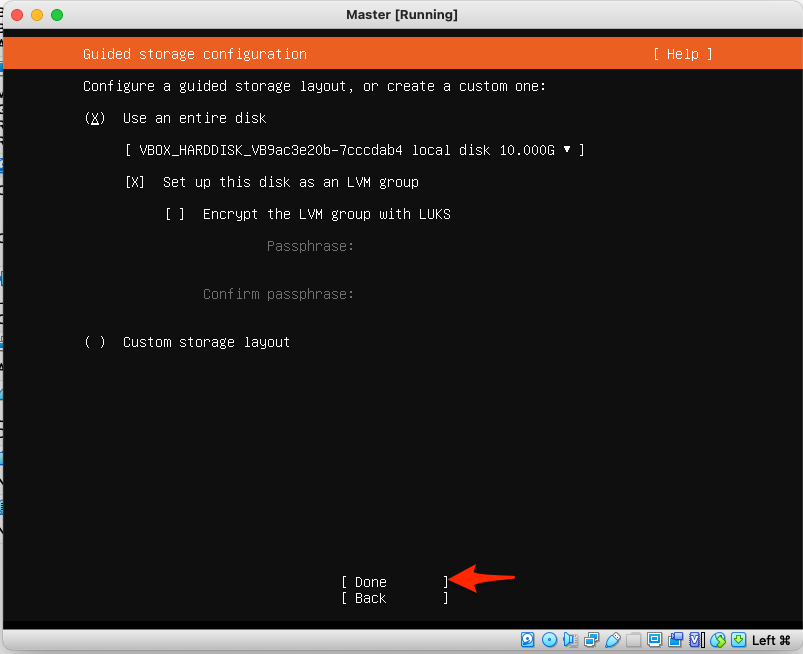
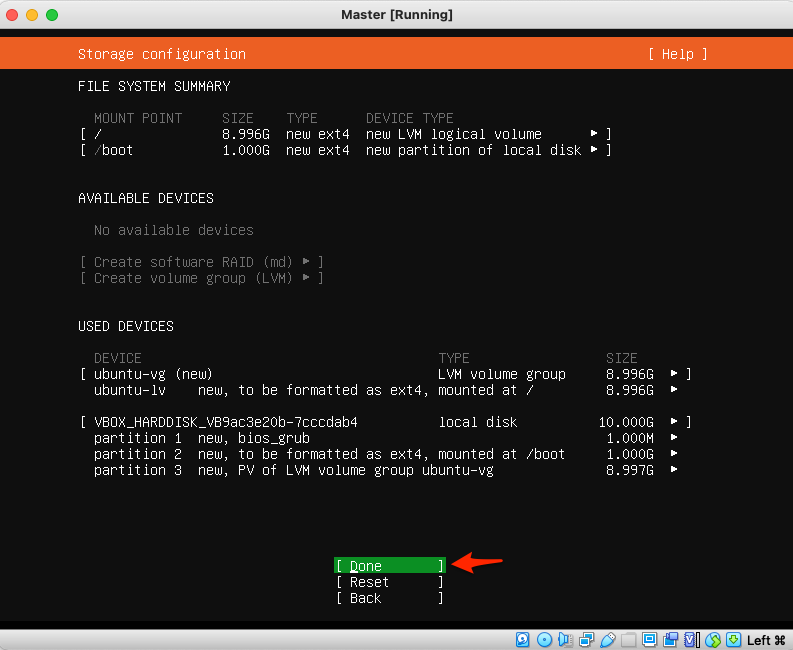
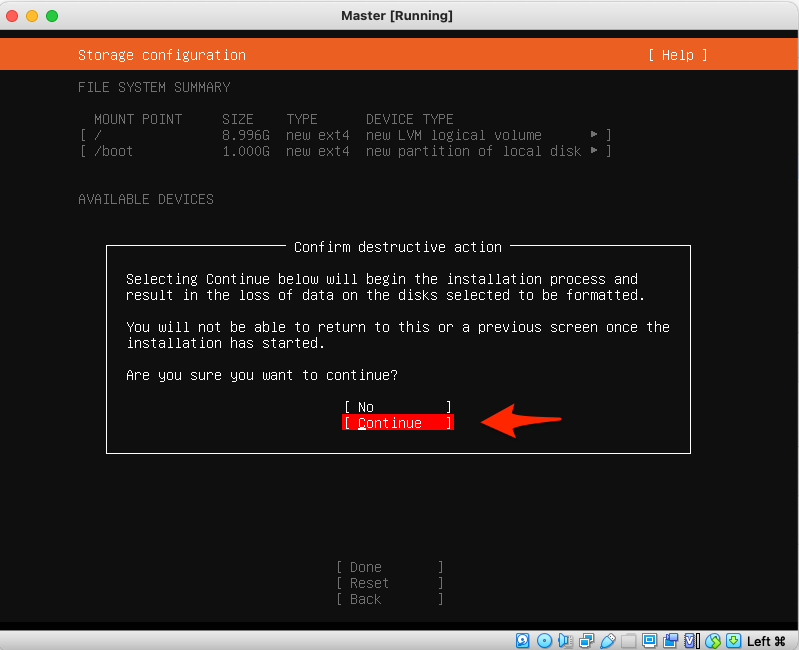
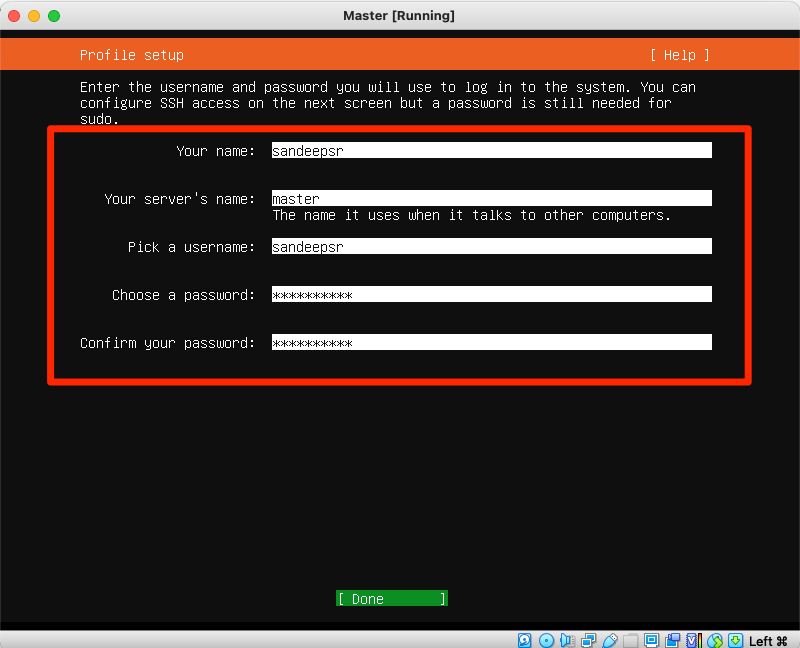
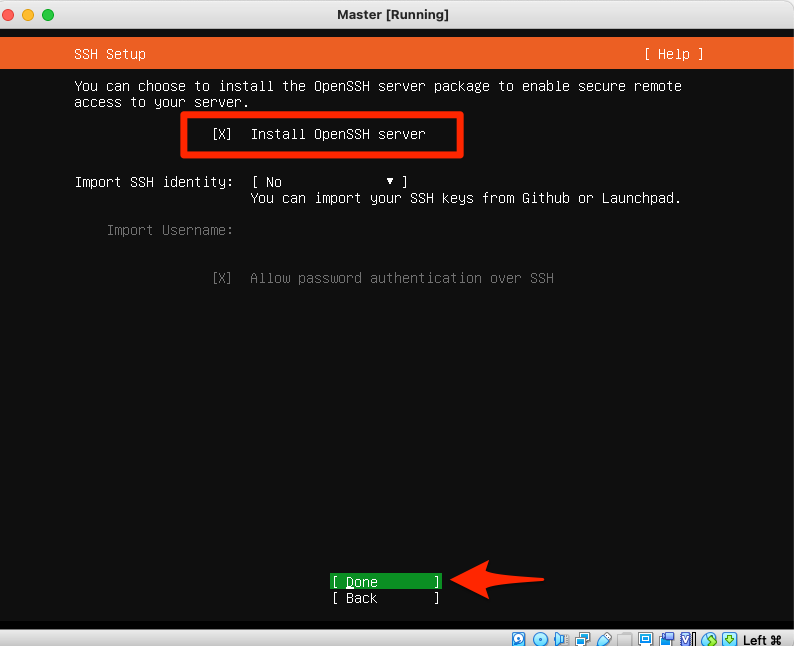
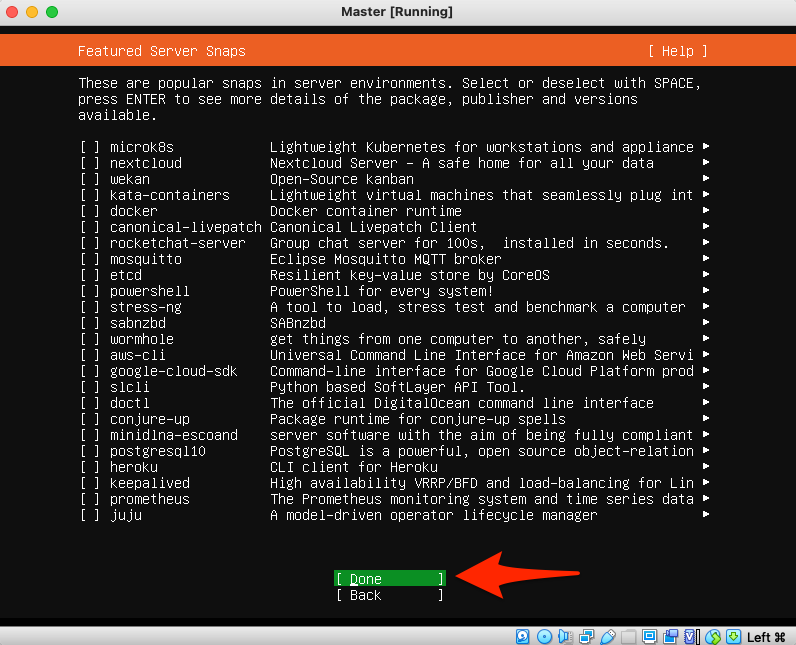
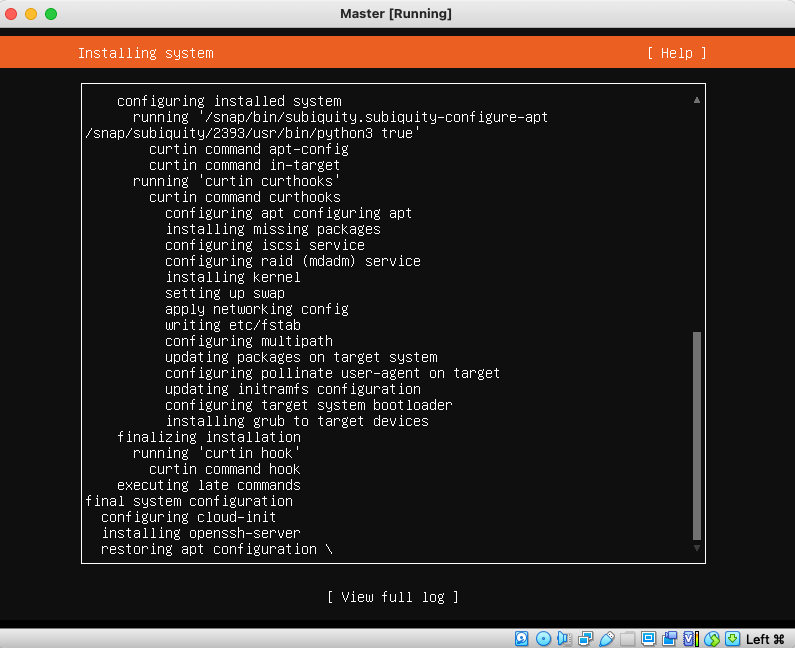
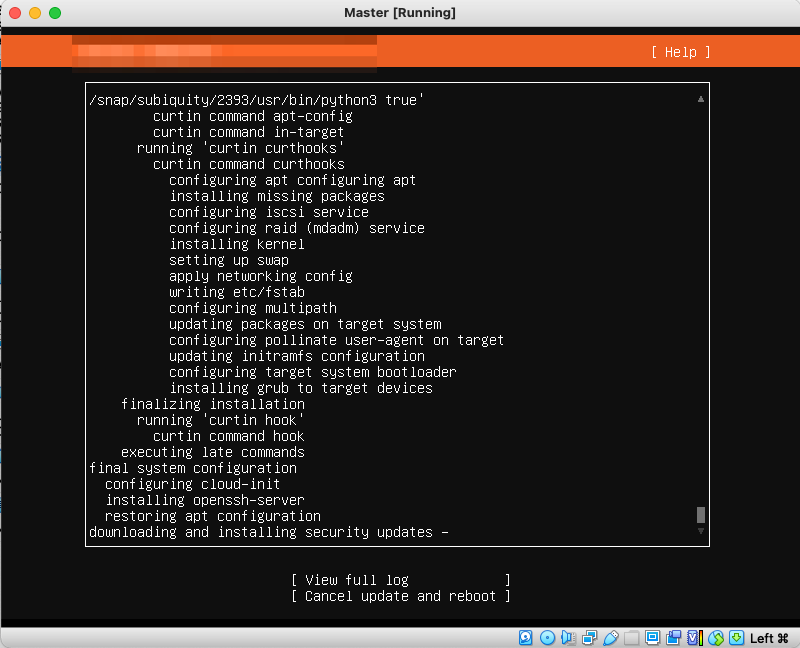
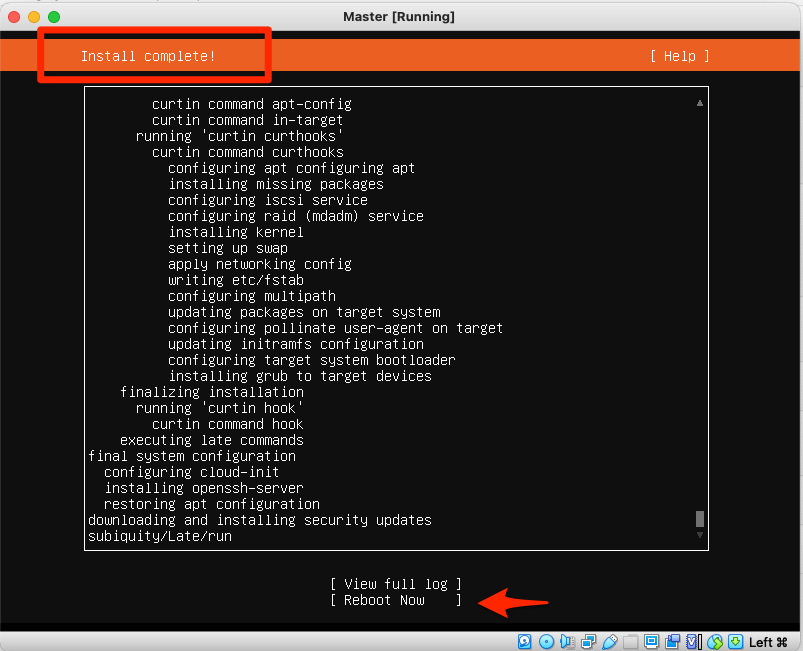
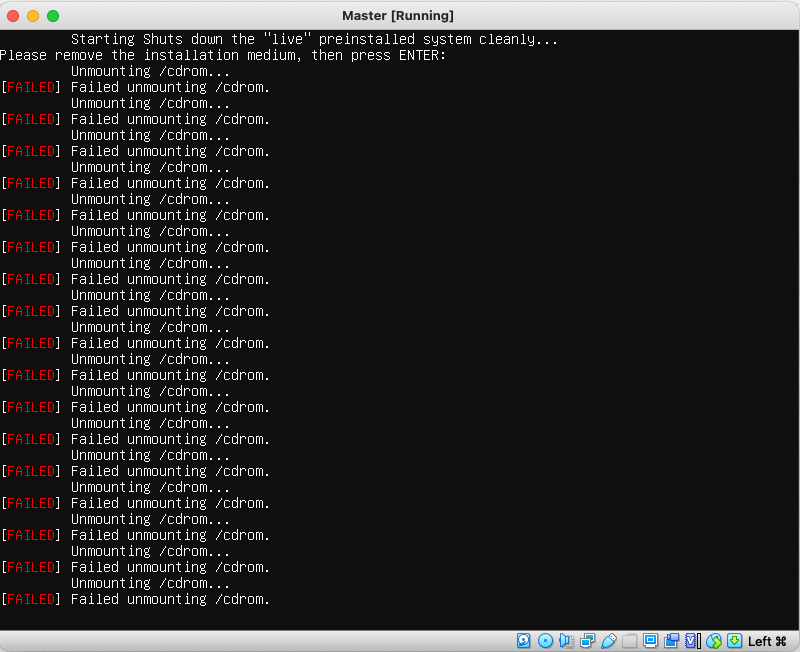
- At sometimes after clicking on reboot now, it Stucks with unmounting the ISO file, please click on enter which moves on